TookiCheckup
Your kid's screen time,
understood.
Upload your Netflix viewing history and get an instant checkup — with smart, personalized recommendations.
For all families, powered by AI
2-minute setup
100% private
Instant results
How old is your little viewer?
This helps us tailor the checkup to their age
Your data never leaves your browser. Nothing is stored.
1
Open netflix.com/account in your browser
2
Click "Manage Profiles" and select your kid’s profile
3
Click "Viewing Activity"
4
Scroll to the bottom of the page
5
Click "Download all" in the bottom right corner
6
Upload the file here
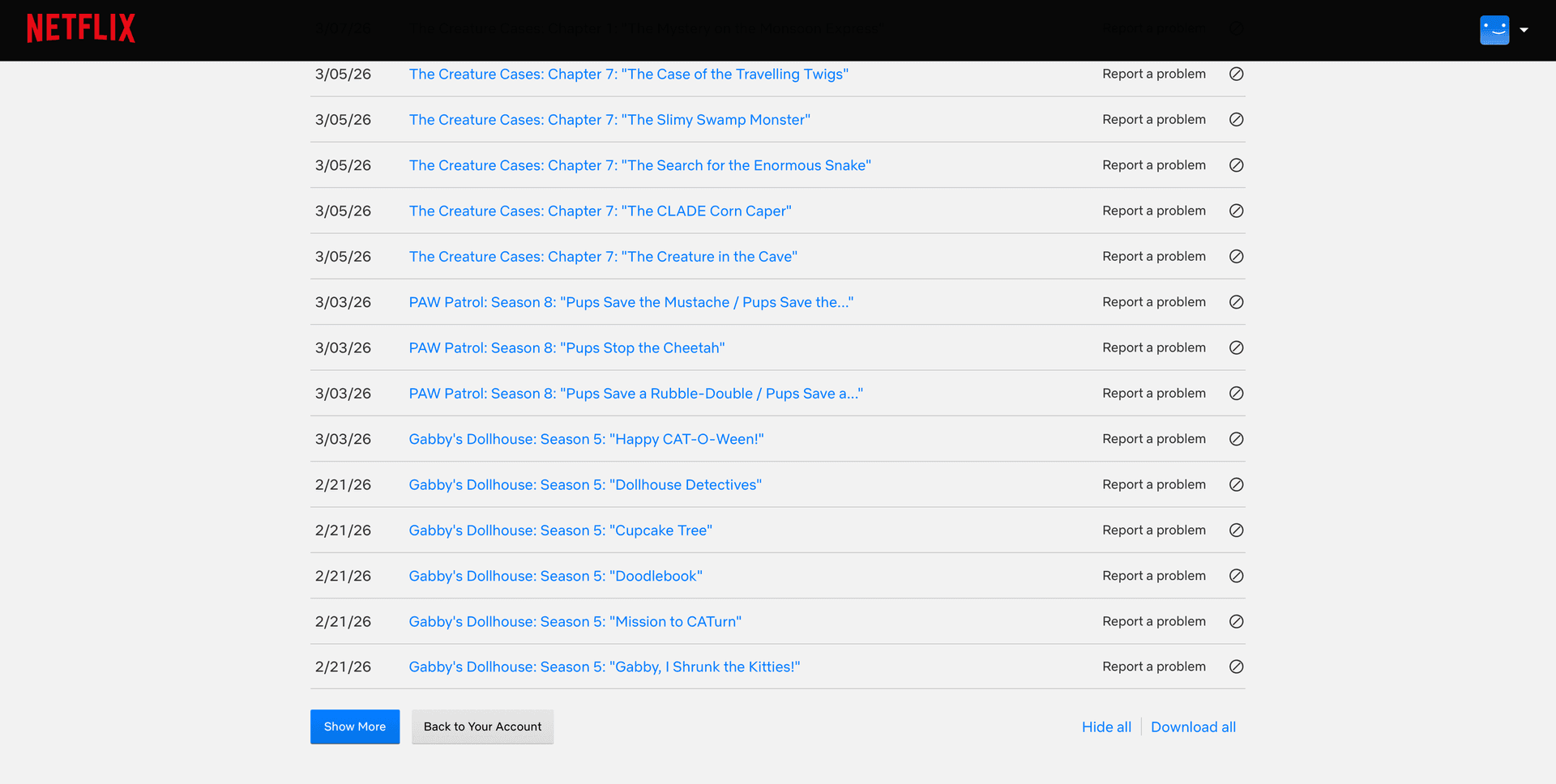
Look for “Download all” at the bottom right
Use a browser (Chrome, Safari) — not the Netflix app.